1. Visit payplume.com

Before you can add funds to your wallet, you need to open an account with https://payplume.com. In the upper left-hand corner click "Sign up" to be redirected to the registration page.
Note: If you already registered a PayPlume account via your web service, you can select the "Log in" option.
2. Create your account

To get started we just need a bit of information about you. Create a password (min. 8 characters) and select "CREATE ACCOUNT".
3. Verify email

Go to your inbox and open the activation email. Select the “VERIFY EMAIL ADDRESS” button or copy the verification code.

4. Fill out a few details

After filling out all the required fields press the “SAVE AND CONTINUE” button.
5. Start using PayPlume
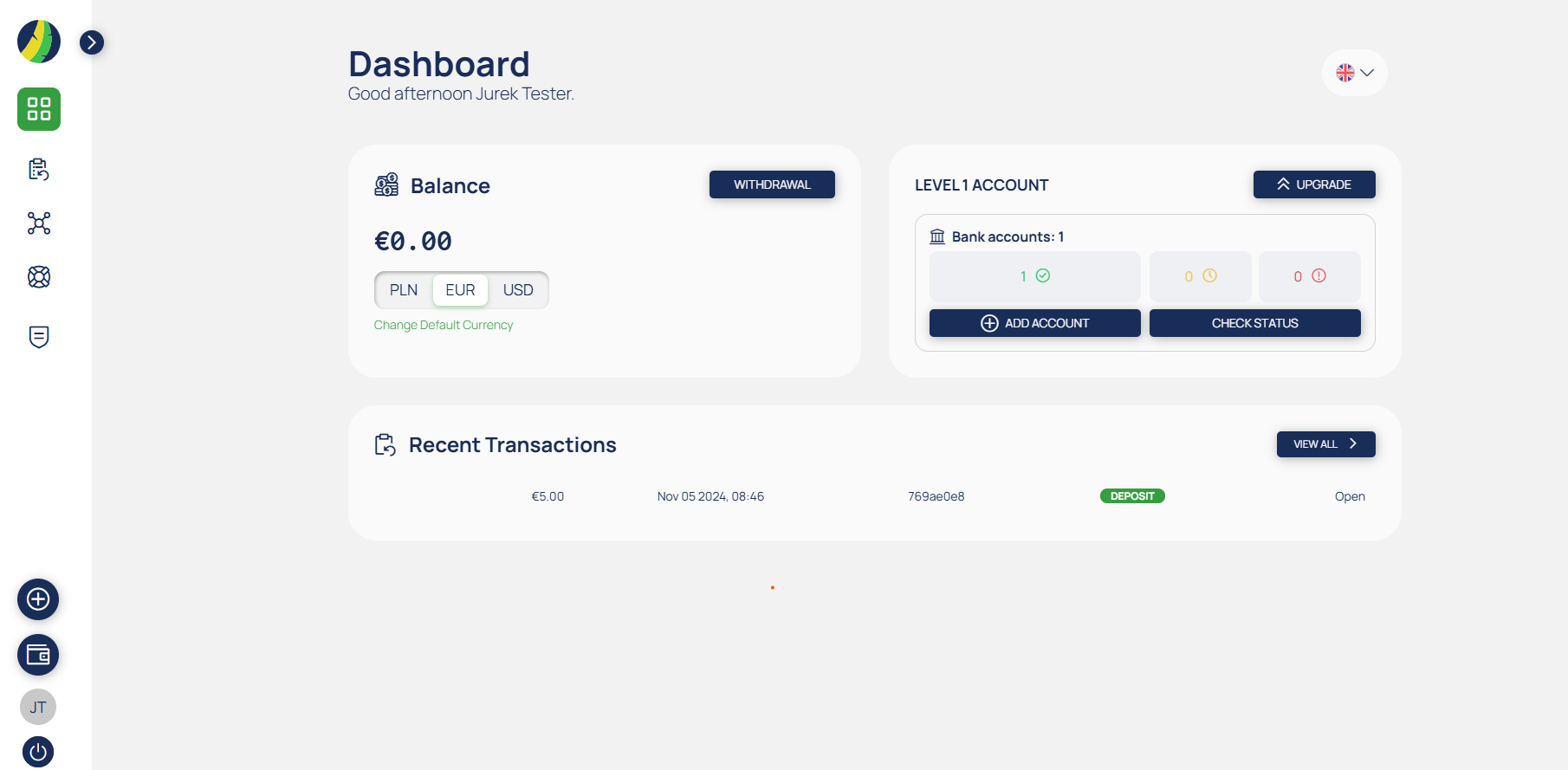
Please note that you may only have one open PayPlume account under your name.
Was this article helpful?
That’s Great!
Thank you for your feedback
Sorry! We couldn't be helpful
Thank you for your feedback
Feedback sent
We appreciate your effort and will try to fix the article